What is Payload CMS?
Discover how Payload CMS combines the power of headless content management with developer-focused features for project flexibility and control.


We check your Drupal setup, your content types, and what needs to be moved or improved during the migration.
We build new content structures in Payload that make editing simple and support your future needs.
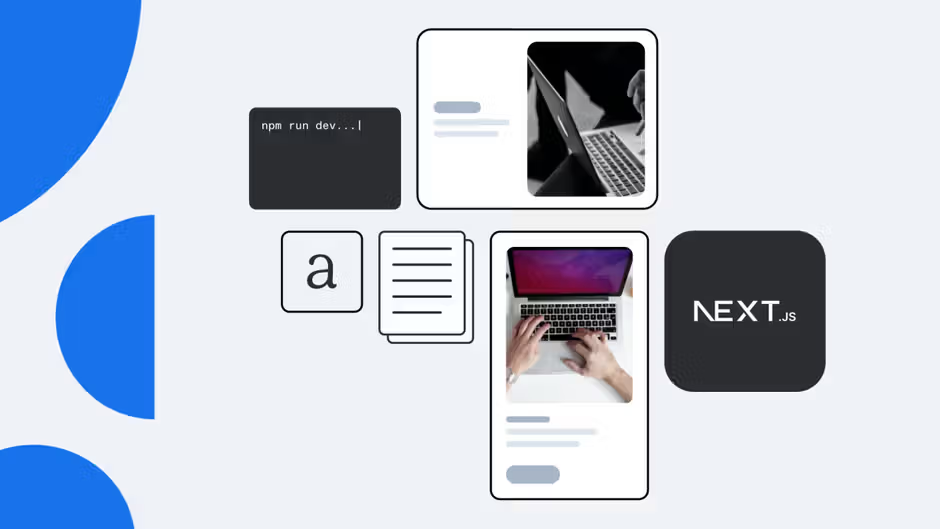
We create a modern, fast website using Next.js for better performance and SEO.
We set up languages, regions, and publishing rules so global teams can manage content easily.
We train your team to use Payload and provide documentation so they can work independently after launch.
We design content models, editorial workflows, and governance into the architecture from day one to make you CMS clean and usable as your team, markets, and channels grow.
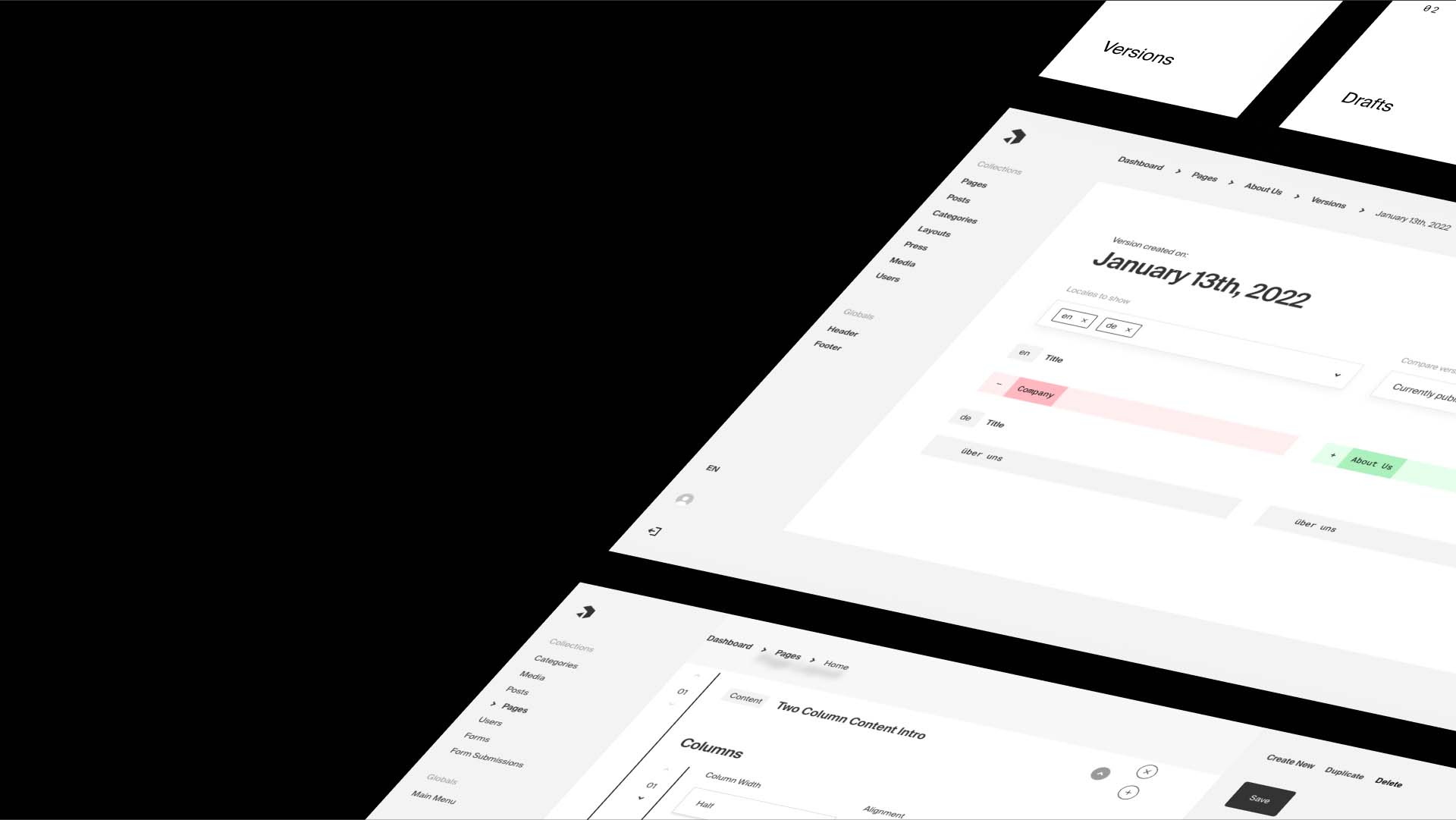
Editorial UX boosts your marketing team's speed and freedom. They can build pages, launch campaigns, and manage content without needing developer help.

Each project includes a complete SEO + LLM optimization. Performance baseline as standard: Core Web Vitals, structured data, rendering strategy, and AI SEO setup.
Already live? Our Next.js SEO audit gives you an actionable, dev-ready assessment of where you stand.

90% of our projects fit the initial budget. That comes from the time we invest upfront — understanding exactly what we're building before a single line of code is written.
Our CMS Kit has page builders, navigation, localization, content models, and SEO settings. It boosts every engagement. Plus, it won’t limit your choices. It's a smart starter refined across dozens of production deployments, not a constraint.
Relies extensively on UI configuration, YAML files, and environment-specific setups

Сonfigured directly in code, allowing teams to version, test, and evolve content models alongside application logic
Entities, fields, and custom modules can become difficult to manage over time

Provides clear, strongly typed collections and fields, making content behavior easier to reason about and extend
Customization often depends on contributed modules with long-term maintenance risks
Enables custom logic - hooks, access rules, workflows, and validations - directly in the CMS codebase without external dependencies
Traditionally handles routing and rendering
Strictly headless, exposing content via REST and GraphQL APIs and acting as a pure backend for modern websites and digital products
Major Drupal upgrades frequently require full migrations
Supports gradual changes to schemas and logic, reducing disruption and making long-term platform evolution more predictable






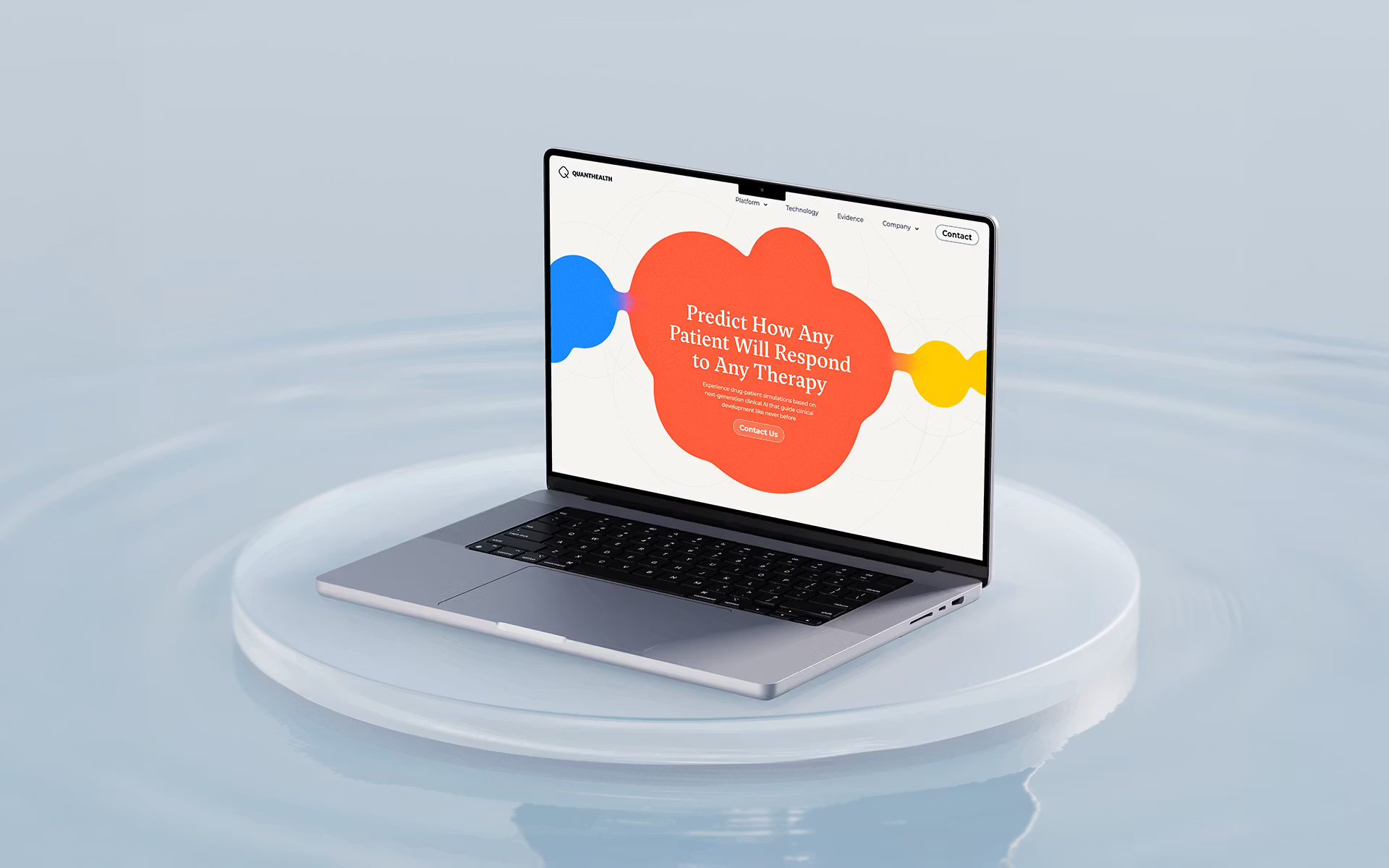
Migration from Drupal to Payload CMS
Most migrations take 6–9 weeks, depending on how complex your Drupal setup is.
Yes, but Payload is easy to learn. Most teams get comfortable quickly.
No, all important pages, content, media are transferred safely.
Yes, Payload admin panel is simpler, and updates are much quicker than in Drupal.
Yes, with no heavy modules or patching required, maintenance becomes much cheaper.