5 Red Flags Your Headless CMS Needs a Rebuild
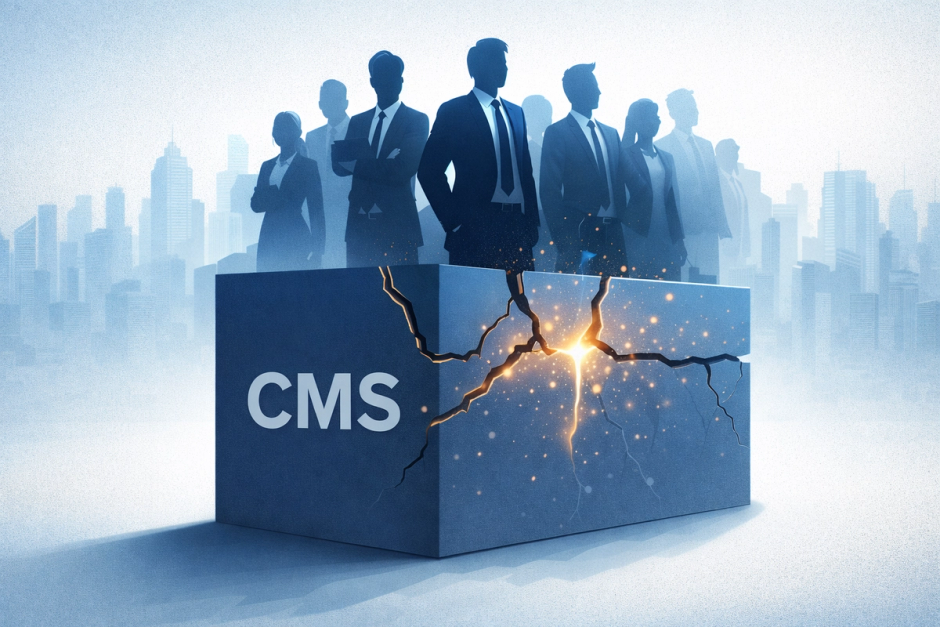
Most conversations about headless CMS platforms revolve around architecture diagrams, API flexibility, or frontend freedom. But rebuild decisions are rarely architectural. They’re organizational. A CMS doesn’t fail because it’s technically broken. It fails when it no longer scales with how your company works. - Over time, small compromises compound: - One quick schema patch - One temporary localization workaround - One SEO exception - One “we’ll fix this later” migration Individually harmless. Collectively structural. If you’re wondering whether your CMS needs more than incremental cleanup, these are the patterns that signal systemic misalignment.

1. Every New Page Type Requires Developer Work
A core promise of a headless CMS is autonomy for editors. But many systems slowly drift into a state where only developers can safely create new content structures.
Typical symptoms:
- "We need a dev for that landing page"
- New campaigns blocked by schema updates
- Editors copying old pages and carefully editing them instead of creating fresh ones
- Components that only work in one specific configuration
This happens when schemas are designed around the first frontend rather than reusable content patterns.
A rebuild helps you:
- Move from page templates to composable blocks
- Enable safe self‑service content creation
- Reduce developer bottlenecks for marketing work
If marketing waits in the sprint queue for layout changes, the CMS is no longer doing its job.
2. Localization Is a Mess
Localization problems are one of the clearest signs a CMS outgrew its model.
Watch for:
- Some fields translated, others duplicated manually
- Separate entries per locale
- Broken relationships between languages
- Editors unsure which version is the source of truth
Over time, teams create parallel content trees just to ship translations. Eventually publishing becomes risky and slow.
A rebuild lets you:
- Define consistent localization rules
- Separate structure from language
- Prevent accidental cross‑locale breakage
If adding a new language feels like launching a new site, your model is fighting you.
3. SEO Fields Are Inconsistent Everywhere
SEO almost always exposes modeling problems.
Common signs:
- Different pages have different meta field names
- Some content has OpenGraph, some doesn’t
- Canonical URLs handled manually
- Developers patch missing fields in code
This typically comes from schemas evolving page by page instead of systemically.
During a rebuild you can:
- Standardize metadata across content types
- Introduce shared SEO components
- Remove frontend fallback logic
If your frontend contains SEO logic the CMS should own, it’s a structural issue.
4. Schema Changes Feel Risky — So They Don’t Happen
Eventually every CMS needs changes. But in unhealthy systems, migrations are avoided entirely.
You might notice:
- Deprecated fields kept forever
- Duplicate content types with version numbers
- "We can’t delete that, something might use it"
- Manual scripts run once and never again
When migration risk exceeds feature value, the system freezes in time.
A rebuild gives you:
- Predictable migration strategies
- Cleaner data contracts
- Confidence to evolve the platform
If your schema history reads like archaeology, it’s time.
5. Permissions and Roles Don’t Match Reality
As teams grow, permission models become critical — and often painful.
Red flags:
- Editors afraid to publish
- Overuse of admin roles
- Workflows enforced socially instead of technically
- No safe staging roles
This leads to production mistakes or bottlenecks around a few "trusted" people.
Rebuilding allows you to:
- Design workflows intentionally
- Separate draft, review, and publish responsibilities
- Restore confidence in publishing
If process lives in Slack instead of the CMS, the CMS is incomplete.
Rebuild vs. Refactor: The Real Question
Not every red flag requires a full rebuild.
But when multiple patterns converge — modeling rigidity, localization fragility, migration fear, workflow drift — the issue is rarely tactical.
It’s structural.
A headless CMS should reduce organizational friction over time. If it increases it, the system is no longer aligned with how your business operates.
And alignment — not tooling — is what ultimately determines whether a platform scales.
More posts on related topics
Headless CMS Architecture Guide for Multisite and Modern Frontends
Learn how headless CMS architecture works for multisite content management systems and modern frontends. Patterns, components, and scalability explained.
Next.js CMS – Top Headless CMS Choices for 2026
Explore the best CMS platforms for Next.js in 2025. Compare Sanity, Storyblok, Contentful, and Payload to find the right headless CMS for your modern React and Next.js projects.

Best Headless CMS for Shopify
Discover the best headless CMS for Shopify. Learn why Sanity and Storyblok outperform alternatives with better Shopify integration, scalability, and marketing workflows.
Content-centric, scalable e-commerce. Shopify Hydrogen + Sanity
Learn how Shopify Hydrogen empowers brands to build fully custom storefronts using React, and how it integrates with Sanity for structured content and localization.

Storyblok vs Contentful
A practical comparison of Storyblok and Contentful through the lens of marketing operations — helping marketing leaders choose the right CMS based on team workflows, content velocity, and localization needs.
A Deep Dive into Sanity's Visual Editing and Presentation Tool: The developer view
Explore Sanity’s new Visual Editing and Presentation tool. See how these features make editing smoother, simplify content updates, and give developers and editors live previews right inside the CMS.