What is Payload CMS?
Discover how Payload CMS combines the power of headless content management with developer-focused features for project flexibility and control.


Turn your current URL into a detailed migration roadmap. Our free tool analyzes your tech stack and component inventory, while our tech leads manually calibrate the edge cases. You get a comprehensive PDF with realistic budgets, timelines, and technical requirements to plan your headless transition safely.

Marketing loses control of the one thing it should own — finding the right approach that sells.
That's what happens when every A/B test needs a developer, an analytics export, and a meeting to reconcile the numbers. We built open-source A/B testing and analytics plugins directly into Payload so content teams can write a variant, split traffic, and read results — without leaving the CMS or filing a ticket.

WordPress to Sanity gives your team structured content, real-time collaboration, and a more flexible editing model.
Features

A strong fit for teams that want visual editing, reusable components, and a content setup that's easy to manage.
Features

Cleaner content models, faster editing, and a maintainable Contentful setup for teams migrating from WordPress.
Features
We review your WordPress structure - posts, pages, taxonomies, and plugins and define what should be migrated or restructured
We model your WordPress content as Payload collections and blocks, creating a future-proof content architecture
We build or migrate your frontend using NextJS + Payload API, achieving top performance and total developer control
We configure Payload’s built-in auth, roles, and access control to support editors, marketers, and admins
We deploy your Payload instance, connect analytics and hosting, and train your team to manage content independently

We design content models, editorial workflows, and governance into the architecture from day one to make your Information Architecture clean and usable as your team, markets, and channels grow.
Editorial UX boosts your marketing team's speed and freedom. They can build pages, launch campaigns, and manage content without needing developer help.

Each project includes a complete SEO + LLM optimization. Performance baseline as standard: Core Web Vitals, structured data, rendering strategy, and AI SEO setup.
Scalable Next.js architecture derived from 7+ years of experience.
Already live? Our Next.js SEO audit gives you an actionable, dev-ready assessment of where you stand.

90% of our projects fit the initial budget. That comes from the time we invest upfront — understanding exactly what we're building before a single line of code is written.
Our CMS Kit has page builders, navigation, localization, content models, and SEO settings. It boosts every engagement. Plus, it won’t limit your choices. It's a smart starter refined across dozens of production deployments, not a constraint.

Ties content closely to themes and templates

Separates content from presentation and defines everything in code, giving teams full control over structure and behavior
Often depends on multiple plugins for custom features, performance, and security

Lets teams implement hooks, access rules, and workflows directly in the CMS codebase - without relying on third-party plugins
Many changes happen through the admin UI and database
Сonfigured in TypeScript, making content models easy to version, review, and deploy across environments
Manages content, rendering, and delivery in one system
Strictly headless, exposing content via REST and GraphQL APIs for modern frontends and digital products
Primarily designed for managing websites
Acts as a flexible backend that can support websites, apps, internal tools, and custom digital experiences from one system
We worked with FocusReactive to bring our website and blog into a single, modern setup that’s much easier for our team to manage. They rebuilt the pages based on our designs, migrated the blog to Payload CMS, and handled changes smoothly as the project evolved. Communication was quick and straightforward, and the end result is a flexible platform that will scale with us as our content and product grow.

“FocusReactive successfully took over and enhanced our existing site and shop, making the platform faster, more stable, and significantly improving the user experience. The team delivered high-quality work on time, reduced development overhead, and proved to be proactive, knowledgeable, and highly reliable throughout the collaboration.”

I found FocusReactive through ChatGPT and chose them because of their geographic proximity and the exact tech stack we needed.
The team took charge of the research, concepting, planning, and development of our entirely new platform. FocusReactive successfully delivered a fully functional headless website.
From a project management standpoint, FocusReactive has done an amazing job. Everything has been very well communicated via our virtual meetings, and the team has always met deadlines. What impressed me most is that FocusReactive has understood the needs of the project, been flexible, and has brought high-skilled developers. The main project is finished, but we will definitely continue development with them in the future.


Migration from WordPress to Payload CMS
Most migrations finish within 4–8 weeks, depending on content volume and integration needs. We start with a technical and content audit before estimating effort
Payload is self-hosted - you choose where your data lives. You can deploy it on Vercel, Render, AWS, or your private infrastructure
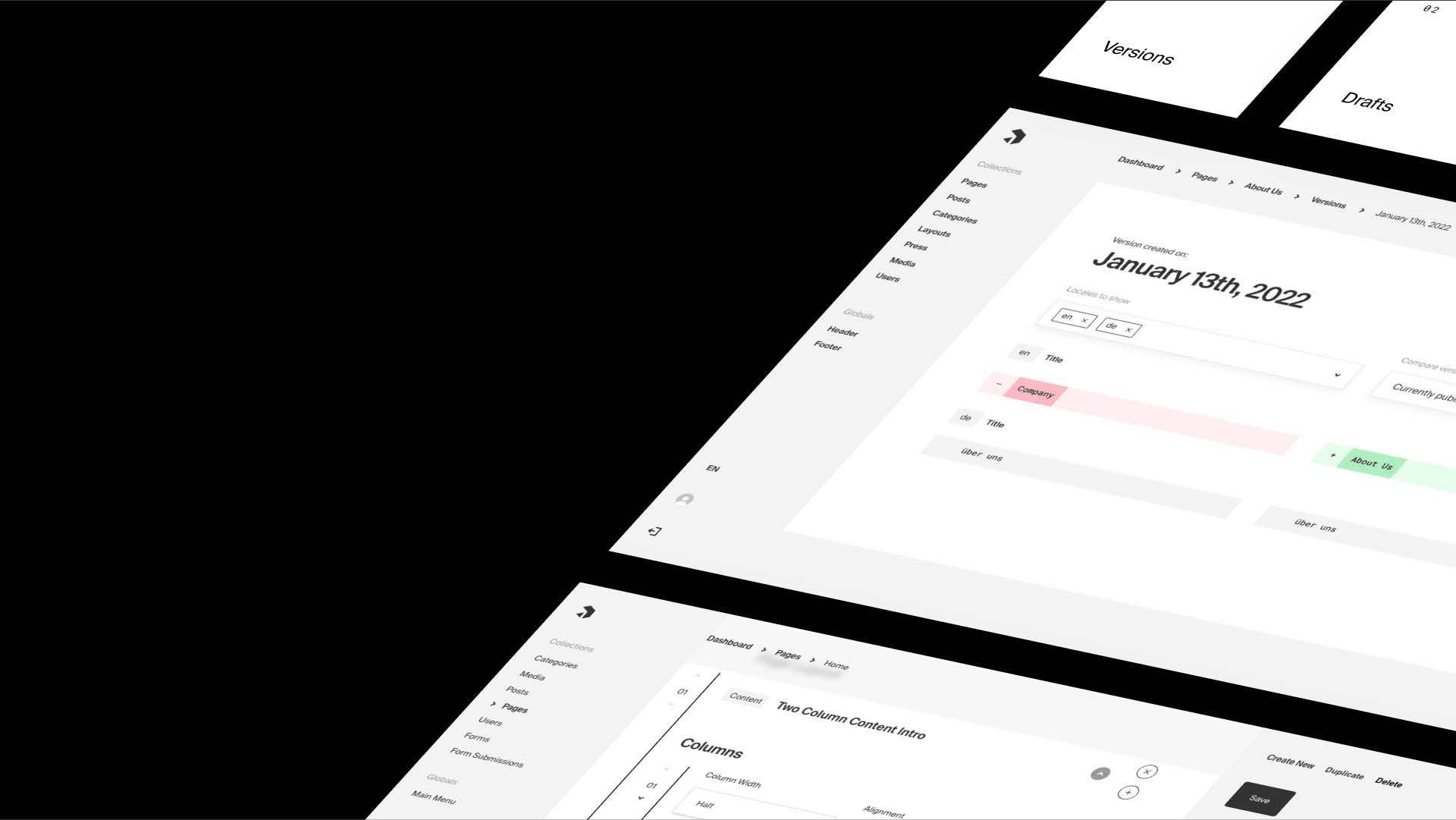
Payload’s editor is structured yet visual. Each page is built from reusable blocks, forms, and relationships. Your team edits content in a clean, intuitive interface designed to prevent layout breakage and plugin conflicts
Payload includes built-in authentication, permissions, and role-based access, making it ideal for teams managing complex sites
Yes, Payload’s architecture scales easily across multiple brands and regions, and its self-hosted model fits enterprise compliance needs (SOC2, GDPR, ISO)




.png&w=1920&q=90)