

Self-hosting a CMS gives you full data ownership and infrastructure control. Payload, Strapi, and Directus are top choices for full self-hosting. Sanity is included as a hybrid alternative where you host the UI, but the data remains in the cloud.
What Is a Self-Hosted Headless CMS?
A self-hosted headless CMS runs on infrastructure you control, including your servers, your database and your backups. ssELF delivers content to any frontend through an API. You get full data ownership and control over where data lives, but your team takes on hosting, upgrades and security patches. Not sure self-hosting is right for you? Start with our guide to choosing a headless CMS.
When Self-Hosting Makes Sense in 2026
Self-hosting is the right call in three cases: data residency or compliance rules out SaaS, per-seat or API pricing grows faster than your usage, or you need customization a vendor won’t allow. Vendor consolidation, such as Salesforce’s acquisition of Contentful, has pushed more teams to look at open-source options they can run themselves. If none of these apply, a managed SaaS CMS is usually cheaper to operate.
Businesses increasingly view headless as a competitive advantage: 80% of organizations using headless architecture believe it helps them deliver better digital experiences and innovate faster across channels. AI is becoming a major differentiator.
Modern headless CMS platforms are integrating AI-powered content creation, automated tagging, SEO optimization, localization, personalization, and content governance features to streamline workflows and improve customer experiences.
In short, self-hosted headless CMS platforms are no longer a niche technology. As organizations invest in composable architectures, omnichannel publishing, and AI-enhanced content operations, headless CMS solutions are becoming a core component of modern digital experience strategies.
Top choices for full self-hosting
Among the top contenders in the self-hosted headless CMS market are: Payload CMS, Strapi CMS, Directus and Sanity CMS (Self-hosted Studio only).
Below is a comparative analysis of self-hosted CMS features, based on user reviews and ratings from G2. This analysis will provide insights into each platform’s strengths and weaknesses according to real user experiences.
Payload
 Payload
-
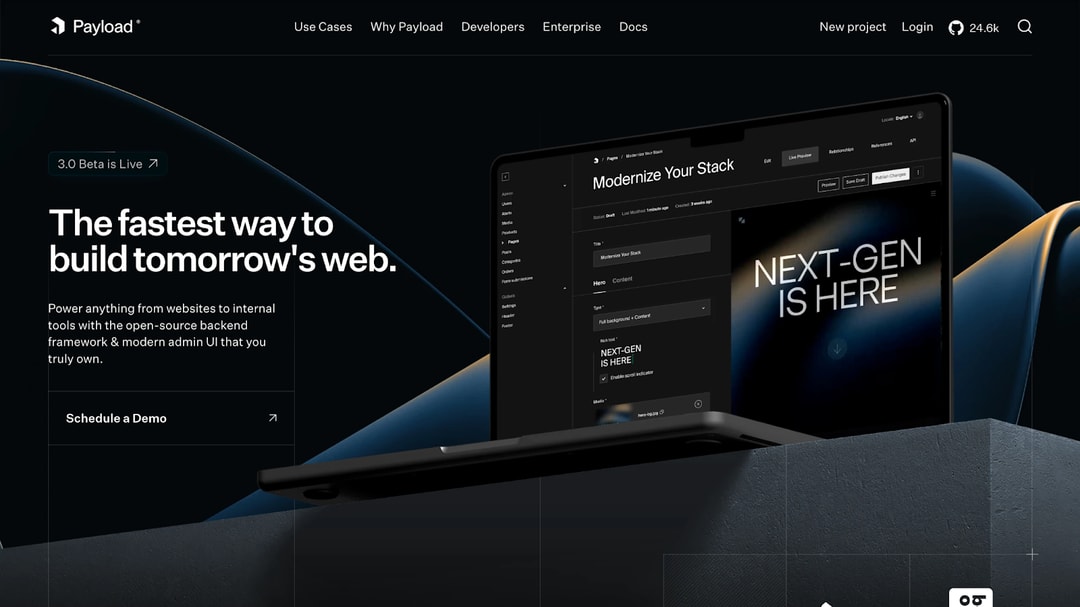
Overview: Payload CMS is an open-source, code-first headless CMS that installs directly inside a Next.js app, so the CMS, admin panel and frontend live in one project. It’s built for developers but gives content editors a clean, customizable admin UI.
-
Self-Hosting: Fully self-hostable under the MIT license. You can deploy it anywhere Node.js runs, with PostgreSQL, MongoDB or SQLite as the database, and there are no licensing fees at any scale.
-
User Ratings: On G2, this developer-centric CMS has garnered positive reviews for its developer-friendly features and customization options.
-
Pros:
-
Customizable: Schema-as-code lets you model content exactly the way your project needs.
-
User Interface: Users appreciate the intuitive and clean admin panel.
-
API First: REST, GraphQL and a local API make it easy to integrate with any frontend.
-
-
Cons:
-
Learning Curve: Teams without TypeScript/Next.js experience face a steeper start.
-
Ops Responsibility: You own hosting, upgrades and Node.js version requirements.
-
-
Latest Version: v3.92.x (stable, October 2026). Payload 4.0 has been in public beta since October 9, 2026, but stable 3.x is still the recommended production baseline.
-
Recent Updates: Localized-field validation, join query improvements, MCP plugin updates, lower MongoDB memory usage, and support for very large Azure uploads. Payload 4 beta adds a redesigned admin UI and TanStack Start support.
-
Security Note: 2026 releases patched several vulnerabilities: v3.86.0 fixed a high-severity dependency issue (CVE-2026-46625), and v3.90.0 shipped critical security fixes. Self-hosted teams should stay on the latest 3.x release and check the Node.js minimum (22.23.4 as of v3.92.0) before upgrading.
Strapi
 Strapi
-
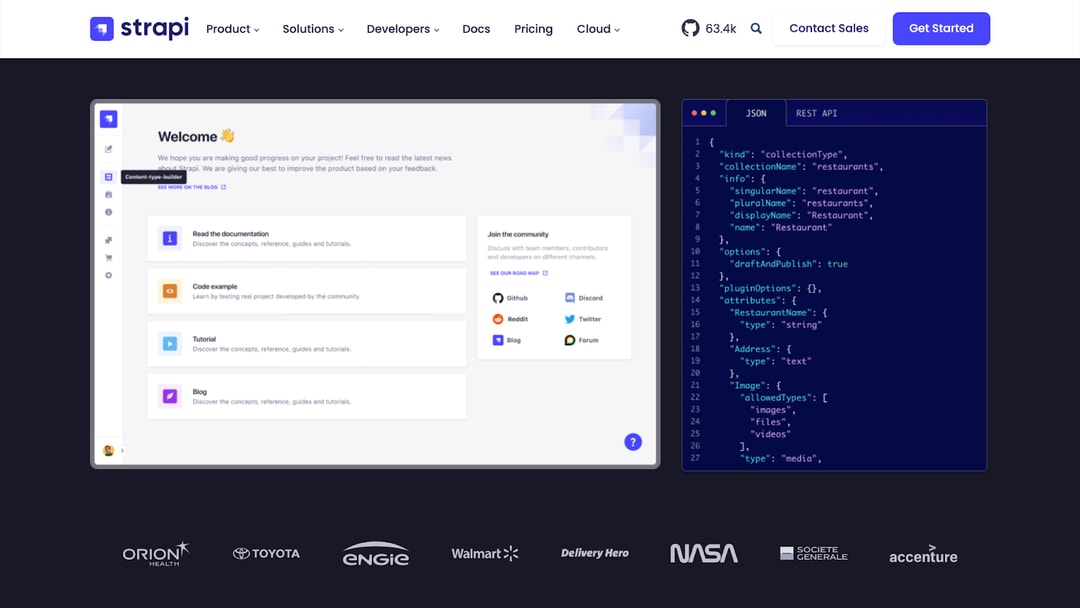
Overview: Strapi CMS is a popular open-source, self-hosted headless CMS known for its developer-centric approach and flexibility. It offers a rich content management experience and is highly customizable through plugins and APIs.
-
User Ratings: On platforms like G2, this open-source platform is often praised for its ease of use and flexible customization options, particularly suited for developers with varying levels of experience.
-
Pros:
- Customization: Easy to start with, strong plugin ecosystem.
- Ease of Use: Admin interface is intuitive, even for non-technical users.
- Supports both REST and GraphQL APIs.
-
Cons:
- Performance Issues: Can slow down with very large datasets
- Limited Support: premium support requires an enterprise plan.
-
New Features in 2025:
- AI-assisted schema generation
- Live Preview for content editors
- Customizable dashboards
- Free tier in Strapi Cloud for smaller teams
- Scheduling for Releases to plan content publishing ahead of time
Directus
 Directus
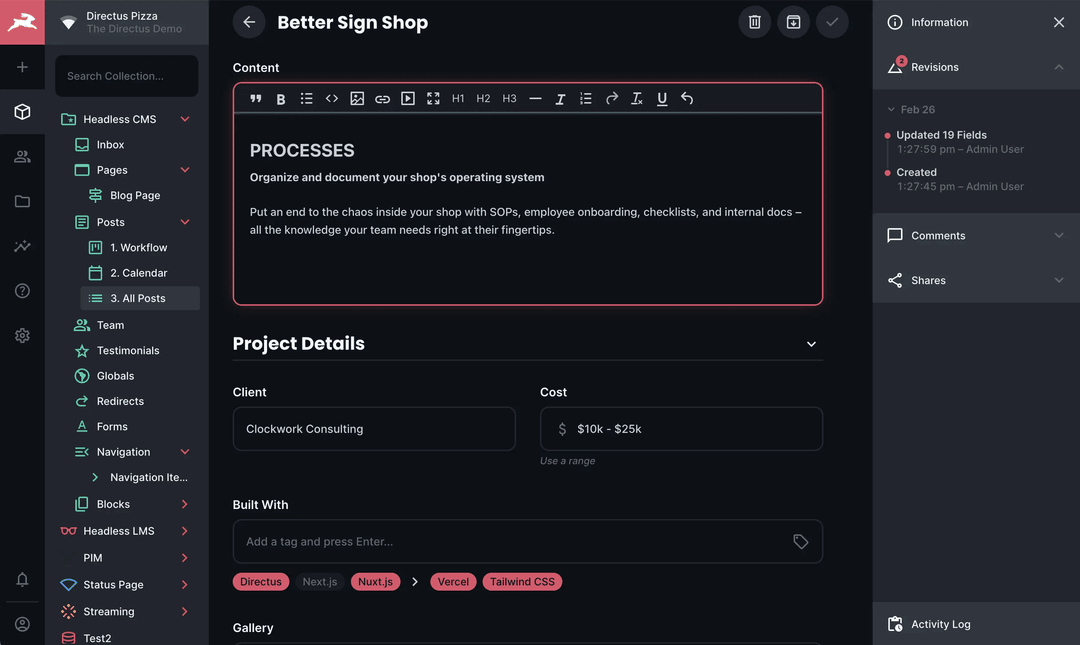
- Overview: Directus is an open-source platform that turns any SQL database into a headless CMS, making it highly adaptable for projects that rely on structured data.
- Highlights:
- User Ratings: This database-first platform has positive ratings on G2 for its powerful API, flexibility, and its ability to integrate with existing databases.
- Pros:
- Database Flexibility: Can integrate with any SQL-based database, providing more options for backend infrastructure.
- Customization: Highly customizable and suited for projects that require fine-tuning of content structures.
- Real-time API: Includes a real-time GraphQL API for content delivery.
- Cons:
- Setup Complexity: The initial setup can be challenging for less experienced developers.
- Limited Documentation: documentation is not always consistent.
Sanity
 Sanity
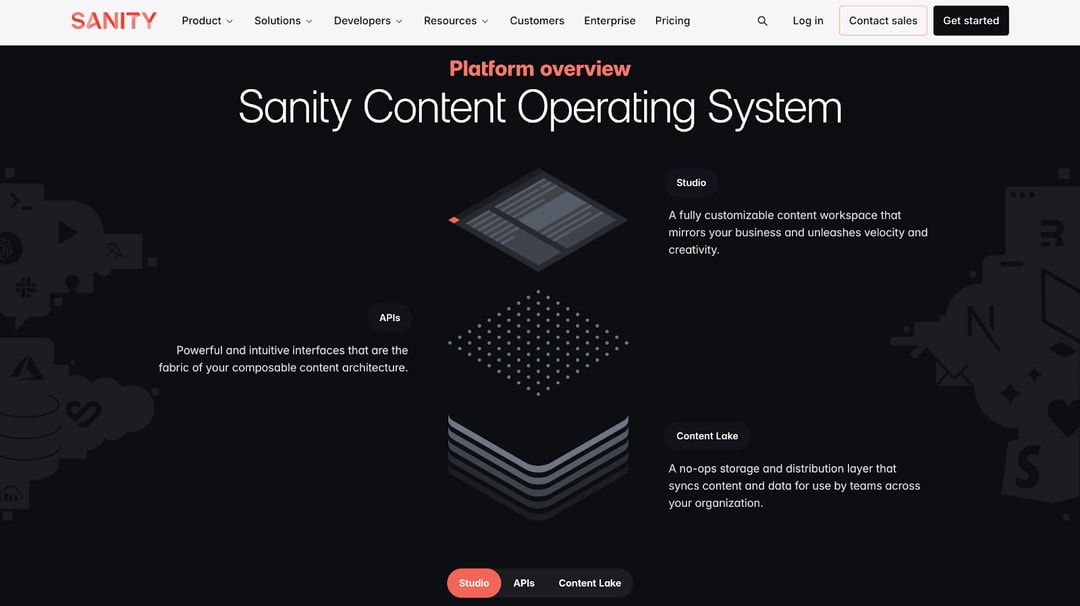
- Overview: Sanity CMS is a composable content platform where you host the interface (Sanity Studio), while the backend and data (Content Lake) are managed by Sanity as a SaaS. It’s known for its real-time collaboration and structured content model, which make it a favorite for developer teams.
- User Ratings: This composable platform has received high ratings on G2, especially for its collaborative features and developer experience.
- Pros:
- Excellent collaboration features. Users highlight the ability to collaborate in real-time, making it ideal for teams.
- Structured Content: Offers advanced content modeling with a focus on structured content.
- Rich Ecosystem: Integrates well with various tools and provides extensive plugins.
- Cons:
- Limited Self-Hosting: You can only host the Sanity Studio (the UI). The backend and database (Content Lake) are strictly SaaS, meaning you don’t have full infrastructure control or data residency.
- Pricing: Some users feel that the pricing can become high for larger teams or projects.
- Setup may feel complex for non-technical users.
Comparative Overview (2026)
| Feature | Payload (v3.54) | Sanity CMS | Strapi (v5) | Directus |
|---|---|---|---|---|
| Ease of Use | Clean UI, developer-centric | Flexible, setup requires effort | Beginner-friendly, editor-oriented | Requires SQL knowledge |
| Customization | Highly flexible schema & API | Strong plugin ecosystem | Extensive plugin system | Database-driven customization |
| Cost | Free OSS, paid support options | Usage-based; scales with cost | Free OSS, enterprise plans | Free OSS, enterprise support |
| Community | Growing, active GitHub + Discord | Large global community | Very active open-source base | Smaller but technical |
| Scalability | High performance, API-first | Enterprise-ready, scales well | Scales with Strapi Cloud | Scales with SQL infrastructure |
Top Open Source Content Management Systems by User Experience and Insights
Payload
- User Reviews: Payload’s features are ideal for technical teams that want high performance and modern APIs, but requires staying on top of updates.
- Example Review: “Payload’s customizable nature allows us to adapt it to our unique needs, and the UI is straightforward for content editors.”
Sanity
- User Reviews: Sanity’s collaboration features are the best choice when collaboration and structured content are priorities, but costs can climb as usage grows.
- Example Review: “Sanity’s real-time collaboration has altered our productivity. The organized content strategy is also a game changer for handling massive datasets.”
Strapi
- User Reviews: Strapi’s capabilities provide a good balance of accessibility and power, with AI tools and a free cloud tier.
- Example Review: “Strapi’s interface is clean, and the setup is straightforward even for beginners. I appreciate the flexibility of adding custom fields and the ease of integrating external services.”
Directus
- User Reviews: Directus’s approach is a good choice for SQL-heavy projects and enterprise data models.
- Example Review: “Directus has given us the ability to manage our complex database with ease. The real-time API is especially useful for building dynamic applications.”
Which Self-Hosted CMS to Pick
Each of the four CMS platforms: Payload, Sanity CMS, Strapi, and Directus – offers distinct advantages depending on the needs of the organization:
- Payload CMS is a great choice for developer-focused teams seeking high customizability and a straightforward UI, but it may present a learning curve for non-technical users.
- Strapi CMS offers a balance of flexibility and ease of use, making it an excellent choice for teams of varying technical expertise. Its support for both RESTful and GraphQL APIs adds to its flexibility, though performance can slow with large datasets.
- Directus stands out for its database flexibility, which allows easy integration with any SQL-based system. It’s ideal for projects focused on managing structured content at scale, though it requires more technical expertise to set up and maintain.
- This hybrid option shines with its real-time collaboration features and flexible content modeling, making it ideal for teams that prioritize cooperation and handling structured content. However, its pricing can be a concern for larger teams.
It’s important to note that it is not a fully self-hosted solution: while you host the Studio interface, the backend and data remain managed by Sanity CMS.
Self-Hosted Headless CMS Solutions Pros and Cons
Pros
- Full Control: You decide how your data is stored, managed, and secured, making it easier to stay compliant with regulations and apply your own security standards.
- Customization: A self-hosted setup can be customized to fit your exact business needs, from workflows to integrations, giving you freedom that SaaS tools often can’t suggest.
- Performance: With the right infrastructure, you can fine-tune performance to your own requirements—faster load times, smoother scaling, and more predictable reliability.
- Cost Efficiency: While setup may require upfront investment, over time self-hosting can be more budget-friendly than recurring subscription fees, particularly for larger teams.
- No Vendor Lock-In: You’re not stuck in a single provider’s ecosystem, which means more flexibility to adopt new technologies and adapt as your stack evolves.
Cons
- Technical Expertise Required: Setting up and managing a self-hosted CMS requires technical knowledge, making it less accessible to non-technical users.
- Maintenance and Updates: You are responsible for regular maintenance, security updates, and backups. This gives you control, but also means extra time and responsibility for your team.
- Scalability Challenges: Scaling can be more complicated and may require more servers, resources, or infrastructure planning as your needs expand.
- Initial Setup Time: The setup procedure might be difficult, particularly if specific features are required.
- Limited Support: While many self-hosted solutions include communities and forums, official support may be less extensive than cloud-based services.
Bottom Line: Is Self-Hosting Worth It?
Modern web stacks are composable. Teams pick the frontend, content layer and infrastructure independently and deploy them where they choose, and a self-hosted headless CMS fits that model. Code-first platforms like Payload run inside the Next.js app itself, so content schemas live in the same repository, go through the same code review and ship in the same deployment pipeline as the rest of the product.
Strapi and Directus give the same ownership to teams on other stacks or with an existing SQL database.
Compared with a hosted headless CMS, self-hosting trades convenience for control. You keep your data where you want it, apply your own security policies, and avoid per-seat or API-call pricing that grows with usage. In return, your team owns hosting, upgrades, backups and security patches. If you don’t have that capacity, or don’t need full data control, a hosted headless CMS will cost less to run. > FocusReactive is a headless CMS development company helping teams transition to modern content platforms with clean architecture, scalability, and editorial control.
If you’re planning a replatform or building from scratch, contact our Next.js CMS consultancy — or schedule a headless CMS consultation with our engineering team.