

TL;DR: Headless vs Composable
- Headless decouples a backend from its frontend
- Composable architecture breaks the broader digital platform into independently managed capabilities
- A headless CMS can be part of a composable architecture
- Headless is generally simpler to adopt
- Composable provides greater flexibility but introduces more integration and operational complexity
Composable and headless architectures are changing how businesses approach modern digital platforms. While the terms are often used interchangeably, they describe different levels of architectural decoupling. Composable goes further, assembling the broader digital ecosystem from independent capabilities such as content, commerce, search, personalization, and payments.
Understanding the difference matters because moving away from a monolithic platform is not necessarily an all-or-nothing decision. A business can adopt a headless CMS without rebuilding its entire technology stack, or can evolve toward a composable architecture as its requirements grow.
What Is Headless Architecture?
Headless architecture separates a backend system from the frontend presentation layer.
In the context of content management, a headless CMS stores and manages content while exposing that content through APIs. Developers can then use a separate frontend framework—such as React, Vue, or Next.js—to determine how the content is presented.
The important distinction is that headless does not necessarily mean that the entire technology stack is modular. It primarily describes the relationship between a particular backend and its presentation layer.
Key Benefits of a Headless CMS
1. Frontend flexibility
Developers can choose the frontend framework, rendering strategy, and hosting architecture that best fit the project rather than being restricted to the presentation layer provided by the CMS.
2. Performance potential
Decoupling gives engineering teams greater control over rendering, caching, CDN delivery, and frontend optimization. Technologies such as static generation, server-side rendering, and incremental regeneration can be used where appropriate.
Headless itself does not guarantee better performance, but it can provide the architectural freedom needed to optimize it.
3. Omnichannel content delivery
A single content repository can provide structured content to websites, mobile applications, digital products, and other channels through APIs.
4. Independent frontend development
The frontend can evolve without requiring the CMS presentation layer to change at the same time. This can make redesigns and frontend modernization easier to manage.
> Headless Is Often a Building Block of Composable Architecture
This is where the distinction between the two approaches becomes important.
A headless CMS can be one component inside a composable architecture, especially when you understand how headless CMS architecture supports API-first content delivery.
For example, an organization can use:
- a headless CMS for content
- a specialized commerce platform for transactions
- a dedicated search service
- a personalization engine
- a DAM for digital assets
- a customer data platform
- separate payment infrastructure
- analytics and experimentation tools
Instead of one platform providing all these capabilities, each service performs a specific function and communicates with the others through APIs.
This leads to a useful distinction:
Headless describes how a particular system is decoupled. Composable describes how the broader digital architecture is assembled.
What Is Composable Architecture?
Composable architecture extends the principle of modularity beyond the CMS. Rather than relying on one platform for every digital capability, businesses select specialized services based on their specific requirements and connect them into a larger ecosystem. Think of it as assembling a technology stack from independent building blocks rather than purchasing one large package.
For example:
Content → Headless CMS
Commerce → Commerce platform
Search → Search service
Personalization → Personalization engine
Payments → Payment provider
Digital assets → DAM
The exact combination depends on the organization’s business model and technical requirements.
Key Benefits of Composable Architecture
1. Greater customization
Organizations can select specialized services for specific business requirements instead of adapting their processes to one platform’s capabilities.
2. Bounded change
One of the biggest advantages of composability is that individual capabilities can potentially be replaced or upgraded without rebuilding the entire digital experience.
This does not mean that replacing a service requires no development work. APIs, data models, integrations, testing, and frontend behavior may still need to change.
The benefit is that the blast radius of the change can be smaller.
3. Faster adoption of new technologies
Teams can introduce a new service when it provides a clear business benefit rather than waiting for their primary platform vendor to add the capability.
4. Business-specific architecture
Instead of accepting a predefined collection of features, organizations can assemble an ecosystem around their actual business requirements.
Composable Does Not Automatically Mean Lower TCO
Composable architecture is sometimes presented as a simple way to reduce software costs. That is too simplistic. A composable stack may reduce unnecessary licensing costs because organizations can select services based on their actual requirements. However, it can also introduce additional operational costs.
A multi-vendor architecture may require:
- more integrations
- additional engineering resources
- vendor management
- monitoring and observability
- security controls
- data synchronization
- API maintenance
Therefore, the real advantage is not necessarily that you pay less. It is "pay for a technology architecture that better matches the business."
Headless vs. Composable: Two Different Levels of Architecture
Headless and composable should not be treated as competing alternatives.
| Factor | Headless | Composable |
|---|---|---|
| Primary concept | Backend/frontend separation | Modular digital ecosystem |
| Scope | Usually one system | Multiple business capabilities |
| CMS | Often central | One component among many |
| Frontend | Independent | Independent |
| Commerce | Can remain integrated | Usually independently managed |
| Search | Can remain integrated | Often specialized |
| Personalization | Can remain integrated | Often specialized |
| Integrations | Moderate | High |
| Operational complexity | Lower | Higher |
| Vendor count | Usually lower | Usually higher |
| Flexibility | High | Very high |
| Migration effort | Moderate | Potentially substantial |
| Best suited for | Content-driven sites, frontend modernization | Complex enterprise ecosystems |
The progression is:
Monolithic → Decoupled → Composable Headless is one form of decoupling, while composable architecture applies modularity across multiple business capabilities.
But this progression isn’t mandatory. Businesses can adopt headless without becoming fully composable, and some organizations may never need the complexity of a composable stack. The right architecture depends on the business’s scale and complexity.
The Hybrid Approach: Headless Without Going Fully Composable
A business does not need to replace every part of its technology stack to benefit from headless architecture. It can introduce a headless CMS while keeping its existing commerce platform, search service, analytics, and other systems in place.
When Headless Architecture Provides Enough Flexibility
A headless CMS may be the better choice when the primary objective is to gain frontend flexibility without introducing unnecessary architectural complexity.
Consider headless architecture when:
- you want more control over the frontend
- your current CMS limits frontend development
- you need to publish structured content across multiple channels
- you want to modernize the frontend independently from the CMS
- performance and frontend optimization are important
- your existing commerce, search, and other services already work well
For many marketing websites and content-driven businesses, this can provide most of the benefits they need without requiring a fully composable architecture.
When Composable Architecture Makes Sense
Composable architecture becomes more compelling when the organization needs to independently manage multiple digital capabilities.
It may be appropriate when you have:
- complex e-commerce requirements
- multiple brands or markets
- sophisticated personalization
- dedicated search requirements
- multiple digital channels
- complex customer data flows
- frequent changes to individual business capabilities
- a mature engineering organization capable of operating a multi-vendor ecosystem
At enterprise scale, composability can provide greater control over how these capabilities evolve, but the organization must also be prepared to manage the resulting complexity.
The Monolith Tax: The Hidden Cost of All-in-One Platforms
Traditional all-in-one platforms bundle multiple capabilities into a single system. This can simplify initial implementation, but the convenience can come with financial and operational trade-offs as the organization grows. These costs are sometimes described collectively as the “Monolith Tax”
Licensing and Feature Bloat
Enterprise platforms often package a broad range of capabilities into a single license. Organizations may end up paying for functionality they rarely use, particularly when the platform combines content management, commerce, personalization, search, analytics, and other capabilities.
Vendor Dependency
When multiple capabilities are tightly coupled to one platform, replacing a single component can become difficult. A business may have to redesign integrations or migrate data simply to change one part of its technology stack.
Upgrade Constraints
Organizations also have to work within the vendor’s release and upgrade model. Depending on the platform, major upgrades can require substantial testing, customization work, or even migration projects.
These trade-offs do not mean that every monolithic platform is inefficient. For some businesses, an integrated platform remains the most practical choice. The question is whether the benefits of integration continue to outweigh the cost and constraints as the organization scales.
Examples of Headless and Composable Architectures
The specific technology stacks used by large organizations can change over time, so verify individual vendor and framework claims before treating them as definitive examples.
Rather than focusing only on the technologies visible in a company’s frontend, it is more useful to look at the architectural pattern.
Headless Architecture
A typical headless implementation might look like:
Headless CMS → API → Next.js/React frontend → CDN
The CMS remains responsible for content management while the frontend is independently developed and deployed. This approach is particularly useful for content-heavy websites where teams want greater control over frontend technology and performance.
Prime Examples of Headless Websites
1. Nike
 image
image
Nike uses a headless CMS to deliver fast and engaging experiences across web and mobile platforms. The technical stack includes a React front end, GraphQL for data querying, and Contentful CMS as theie headless content management system.
2. Impossible Foods
 image
image
Impossible Foods leverages a headless CMS to provide a dynamic and responsive website experience. Their stack includes a Vue.js front end, a Node.js back end, and Contentful CMS.
3. Spotify
 image
image
Spotify uses a headless architecture to manage content and deliver it to various platforms, including their web and mobile apps. The stack includes React for the front end, Apollo for state management and GraphQL, and Strapi CMS.
Specialized Services in a Composable Architecture
A more extensive composable implementation could look like: Headless CMS + Commerce + Search + DAM + Personalization + Payments + Analytics
Each capability has its own responsibility, and APIs connect the services. The frontend acts as the experience layer that brings these capabilities together.
This architecture can be particularly valuable for large digital businesses where different capabilities evolve at different speeds.
1. Algolia
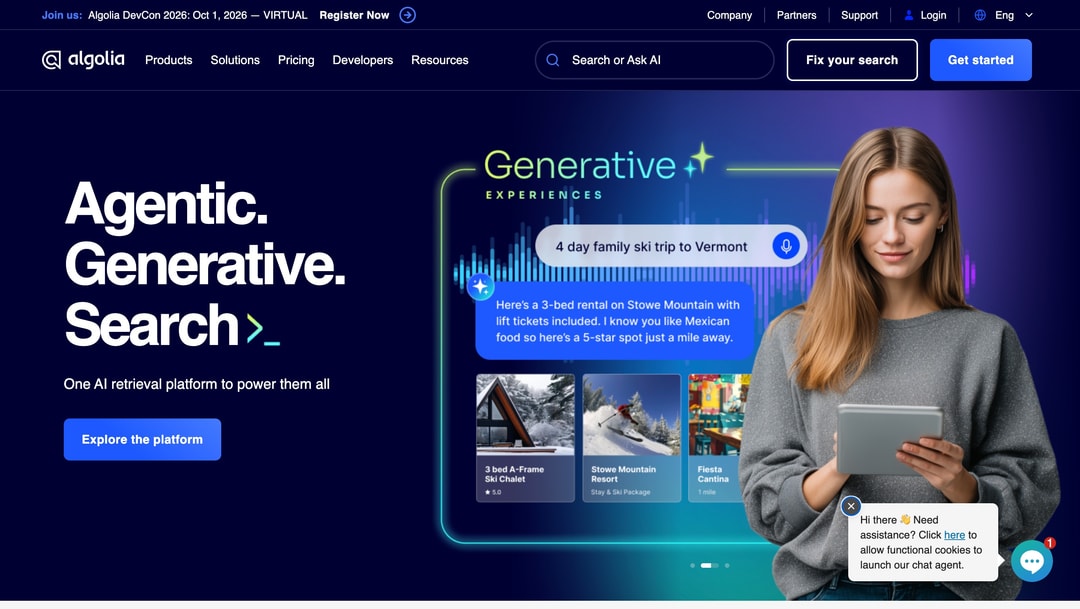 Algolia main page
Algolia is a search and discovery platform commonly used as a dedicated search layer within a composable architecture. It handles product and content search independently from the CMS and frontend, allowing businesses to deliver fast, relevant search experiences while keeping search infrastructure separate from other digital capabilities.
2. Cloudinary
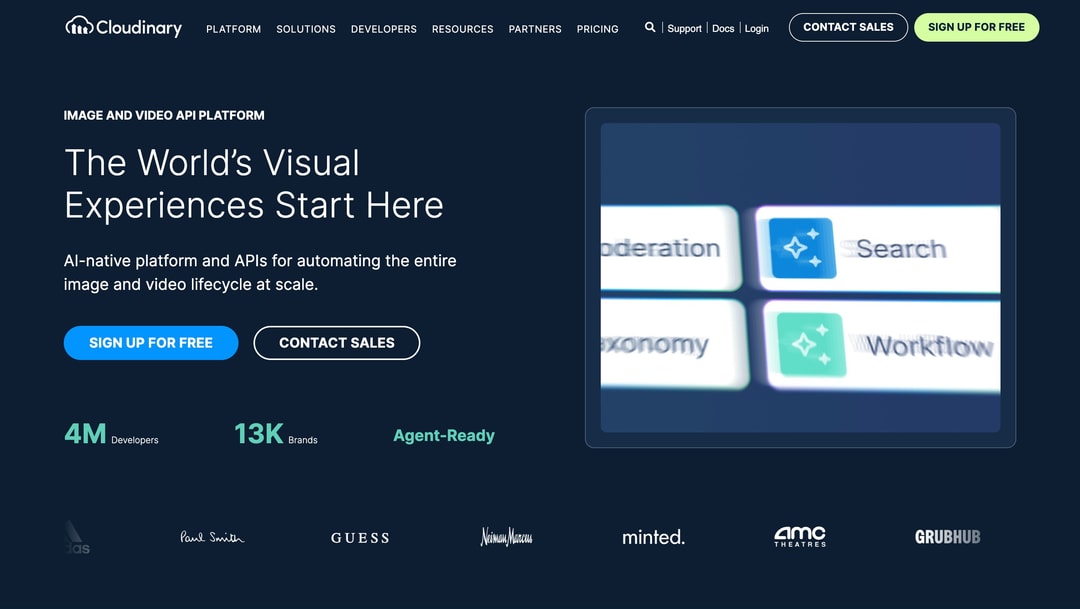 Cloudinary platform interface showing four feature cards labeled Federation, Search, Taxonomy, and Workflow with sparkle icon
Cloudinary is a cloud-based Digital Asset Management (DAM) and media optimization platform that can serve as the media layer in a composable architecture. It manages images, videos, and other digital assets independently from the CMS, while its APIs and optimization capabilities allow those assets to be delivered efficiently across websites, mobile applications, and other digital channels.
3. Stripe
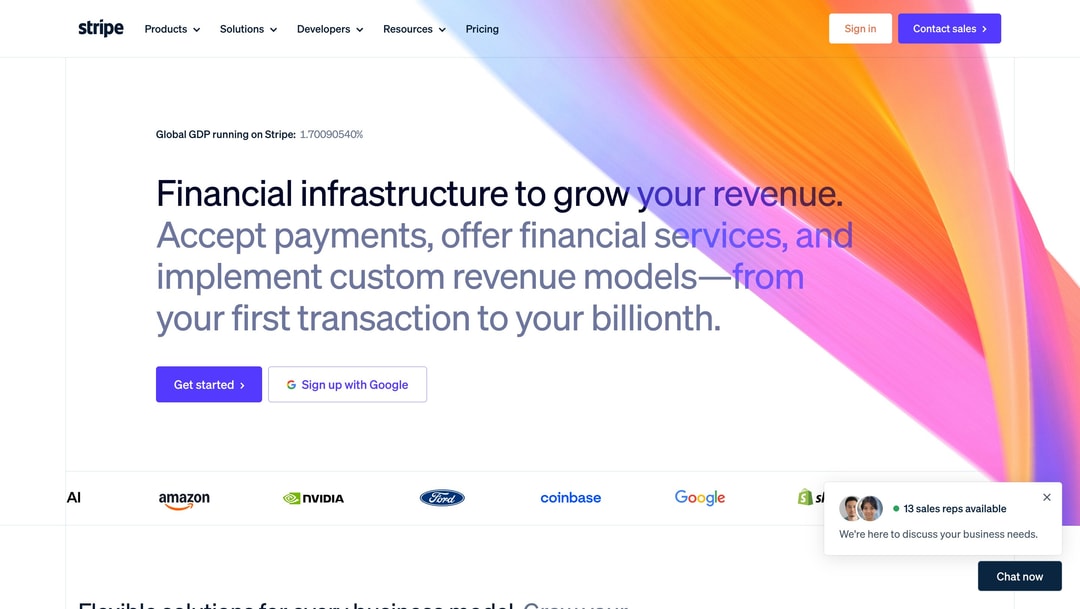 Stripe main page
Stripe is a payments infrastructure platform that can function as an independent payment layer within a composable commerce architecture. Rather than tying payments directly to the CMS or frontend, businesses can integrate Stripe through APIs to handle checkout, payment processing, subscriptions, and other financial workflows while keeping the rest of the digital stack independent.
4. LEGO
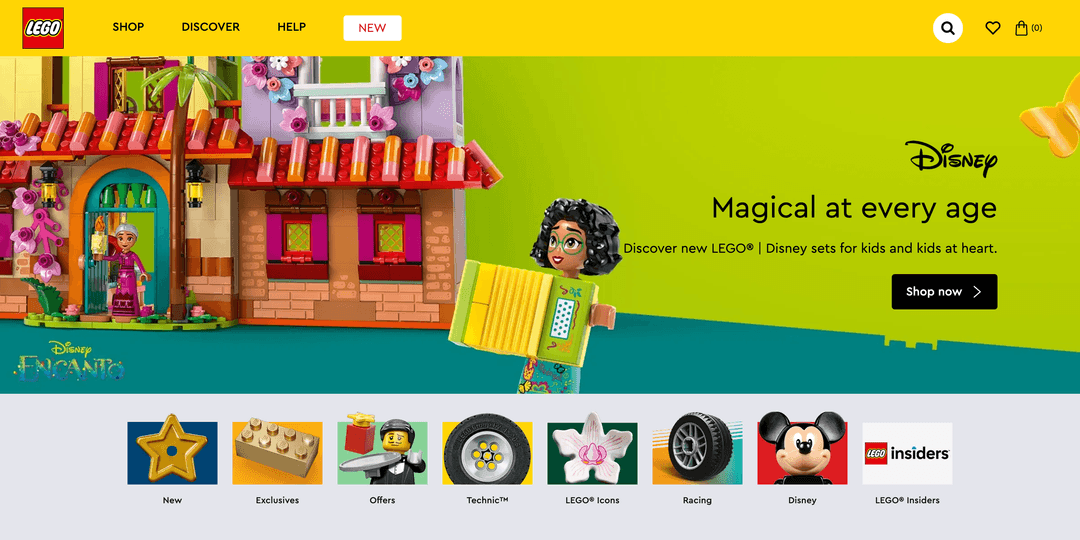 image
image
LEGO uses a composable architecture to create a personalized and engaging shopping experience. Their technical stack includes React for the front end, GraphQL for data management, and various microservices for search, personalization, and e-commerce functionalities.
5. Netlify
 image
image
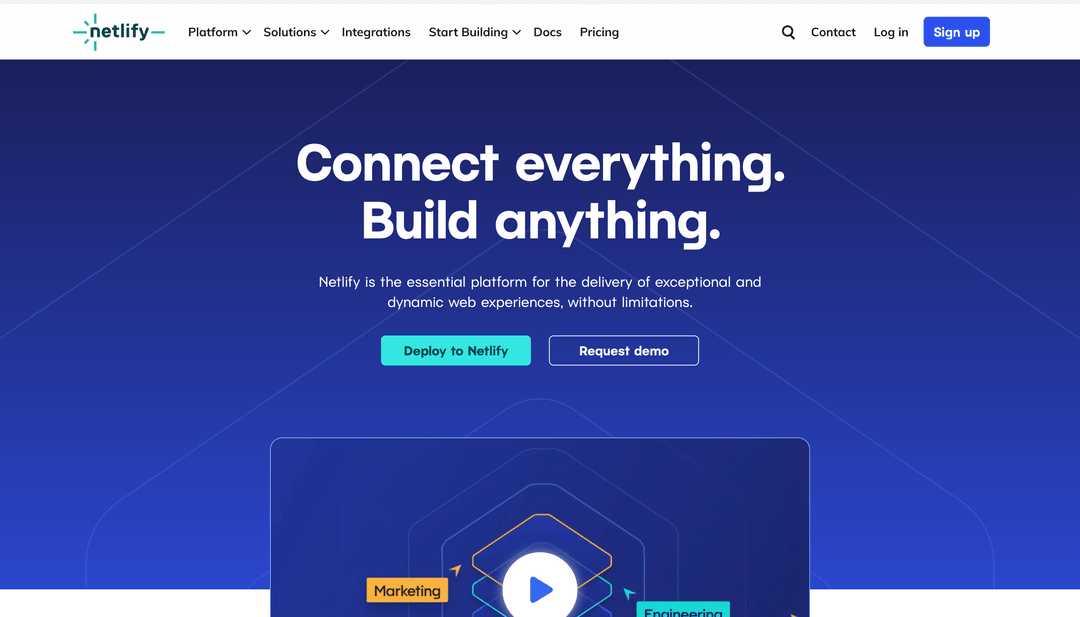
Netlify employs a composable architecture to provide seamless integration of various tools and services, enhancing the user experience. The stack involves React for the front end, JAMstack principles, and a combination of microservices for different functionalities.
6. Peloton
 image
image
Peloton uses a composable architecture to integrate content, e-commerce, and community features seamlessly. Their stack includes a React front end, various APIs for content delivery and user interaction, and microservices for specific functions like payment processing and user management.
The Real Question: How Much Should You Decouple?
The choice should not be framed as: “Should we choose headless or composable?”
A better question is: “Which parts of our digital architecture need to be independent?”
If your primary problem is frontend flexibility, a headless CMS may be enough. If your organization needs independent control over content, commerce, search, personalization, customer data, and other capabilities, composable architecture may provide a better foundation.
Composable vs Headless: Choosing the Right Architecture
Headless and composable architecture solve related but different problems. Headless decouples a backend system, most commonly a CMS, from its presentation layer. Composable architecture takes modularity further by allowing an organization to assemble its broader digital ecosystem from independent capabilities.
A headless CMS can therefore be the foundation of a composable architecture, rather than an alternative. The goal is not maximum decoupling. The goal is the right level of decoupling for the business.
For some organizations, that means moving from a monolithic CMS to a headless CMS. For others, it means building a broader composable ecosystem. And for enterprise businesses, the best approach may be to start with headless and introduce additional composable services only where the business case justifies the added complexity.
If you’re evaluating a headless or composable architecture for your website, our headless CMS agency can help you assess the right architecture for your content and daily marketing needs.



.png&w=828&q=90)
.jpg&w=64&q=90)

.png&w=828&q=90)